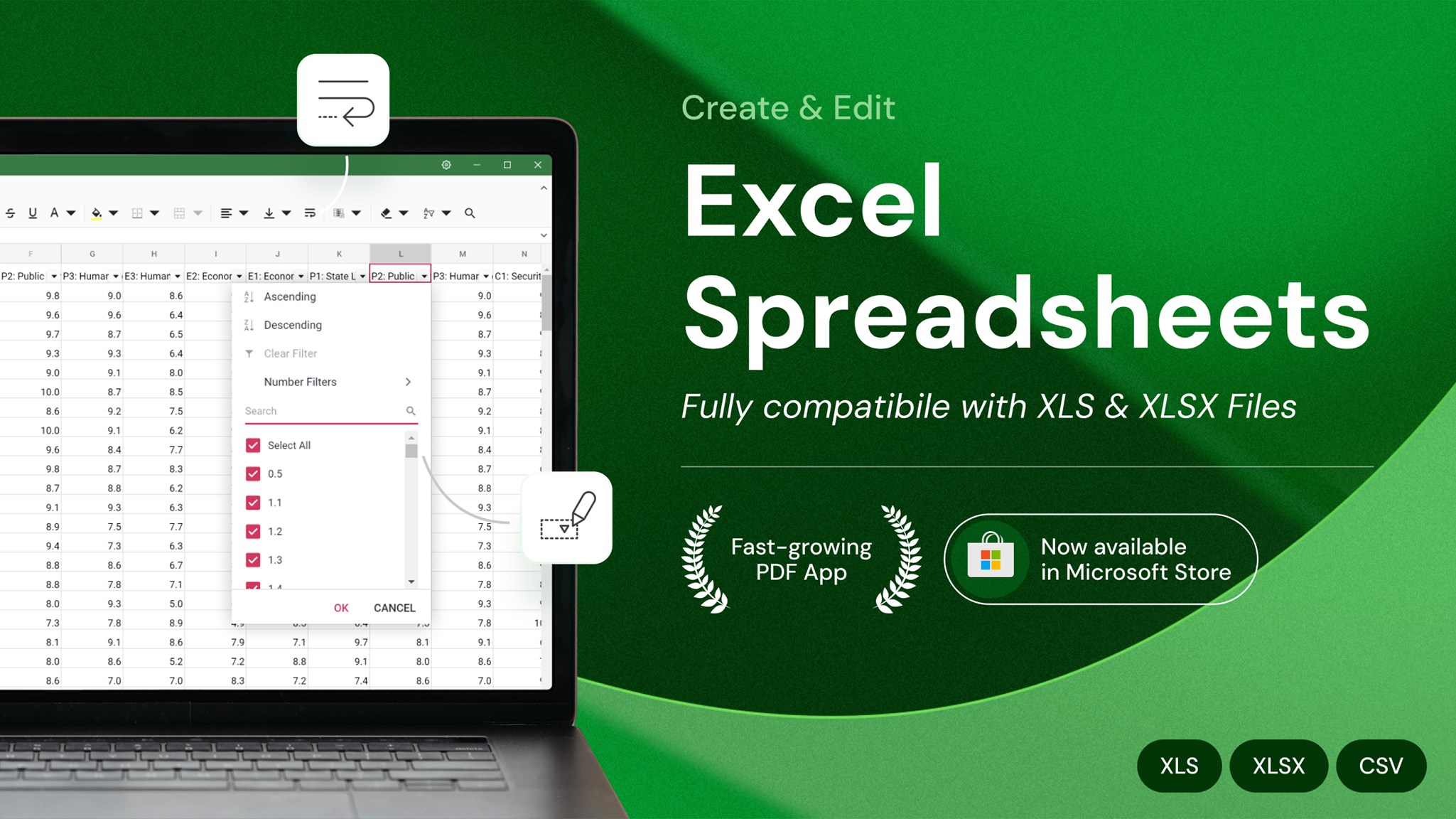
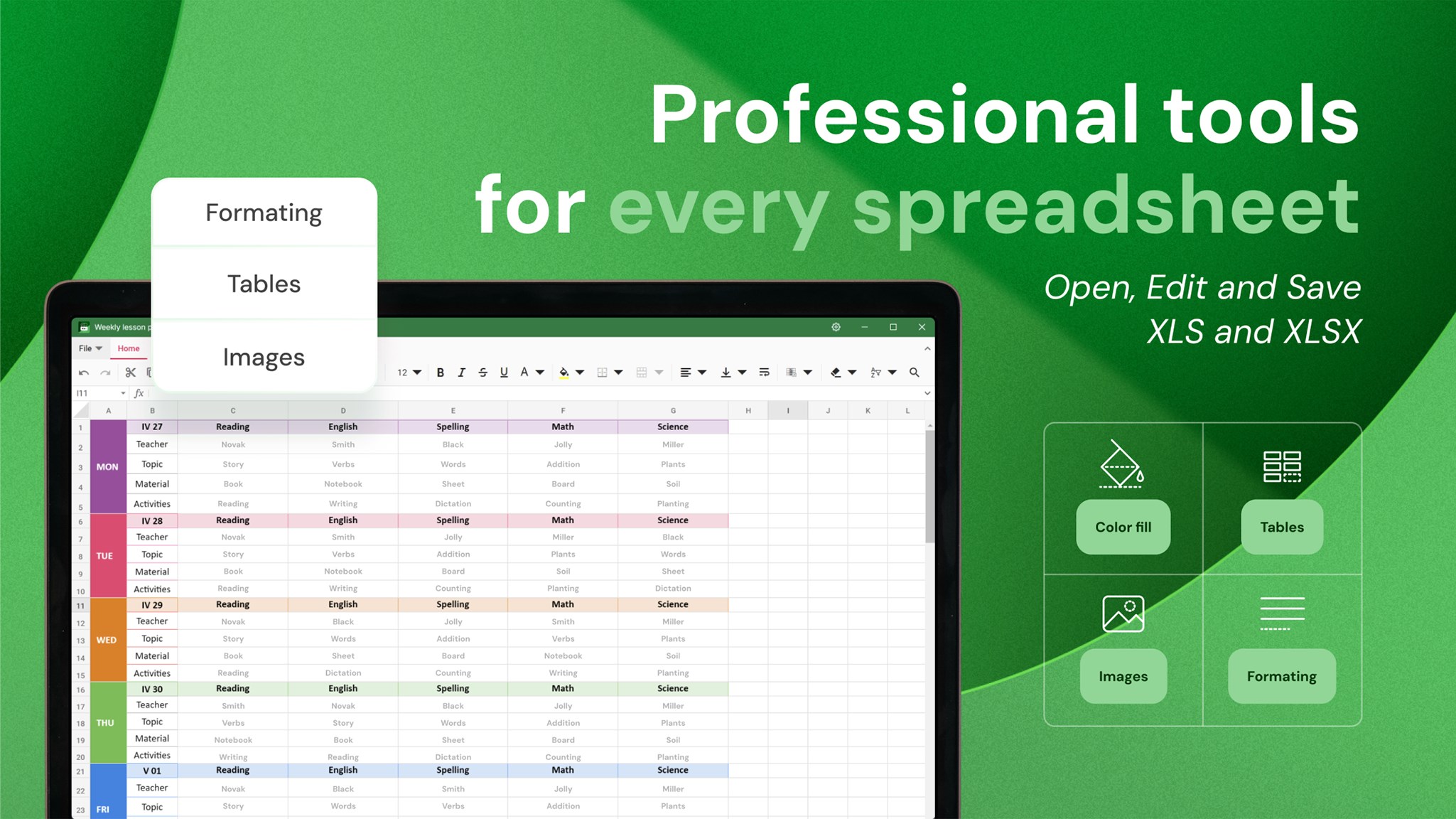
XLS X is a fast and free spreadsheet editor for Windows. You can open, edit, and create .xlsx, .xls, and .csv files offline with built-in PDF export. XLS X is designed for anyone who needs to work with Excel spreadsheets on Windows. It opens your existing files, saves in the formats you need, and allows you to focus on your data. FEATURES • Full Excel compatibility — open, edit, and save .xlsx, .xls, .xlsm, .xltx, .xltm, and .csv files • Export to PDF — convert any spreadsheet into a polished PDF with one click, ready to send or print • Works 100% offline — no internet connection needed; your files stay on your device • Formulas and functions — SUM, AVERAGE, IF, VLOOKUP, COUNTIF, and many more for daily calculations • Multiple sheets per workbook — organize related data across different tabs in one file • Charts — column, bar, line, pie, and area charts with built-in themes • Rich cell formatting — number formats, fonts, borders, alignment, merged cells, and color fills • Conditional formatting — highlight cells with rules, color scales, data bars, and icon sets • Sort, filter, and find — quickly organize and search through large tables • Freeze panes — keep header rows and first columns visible while scrolling • Auto-save and crash recovery — never lose your work if something goes wrong • Insert images, hyperlinks, and notes for enhanced spreadsheets • Drag & drop and recent files — pick up where you left off • Dark mode and adjustable UI font size for comfortable long sessions • Localization in 13 languages — English, Czech, German, Spanish, French, Italian, Japanese, Dutch, Polish, Portuguese, Turkish, Ukrainian, Chinese • Print-ready output — page setup and print preview included • Lightweight and fast — launches in seconds, even on low-spec laptops and older Windows PCs • Clean, modern interface — a familiar ribbon-style layout that feels natural if you've used Excel before PRIVACY XLS X operates entirely on your device. Your spreadsheets are never uploaded, scanned, or shared. No sign-up, no tracking, and no cloud storage required. XLS X is part of X Suite, which provides essential office tools for daily productivity. ------------------------------- Website: https://x-suite.app Privacy policy: https://x-suite.app/privacy-policy Terms: https://x-suite.app/terms
Business · Windows · Free
Rating: 4.6 out of 5, based on 48 user ratings.