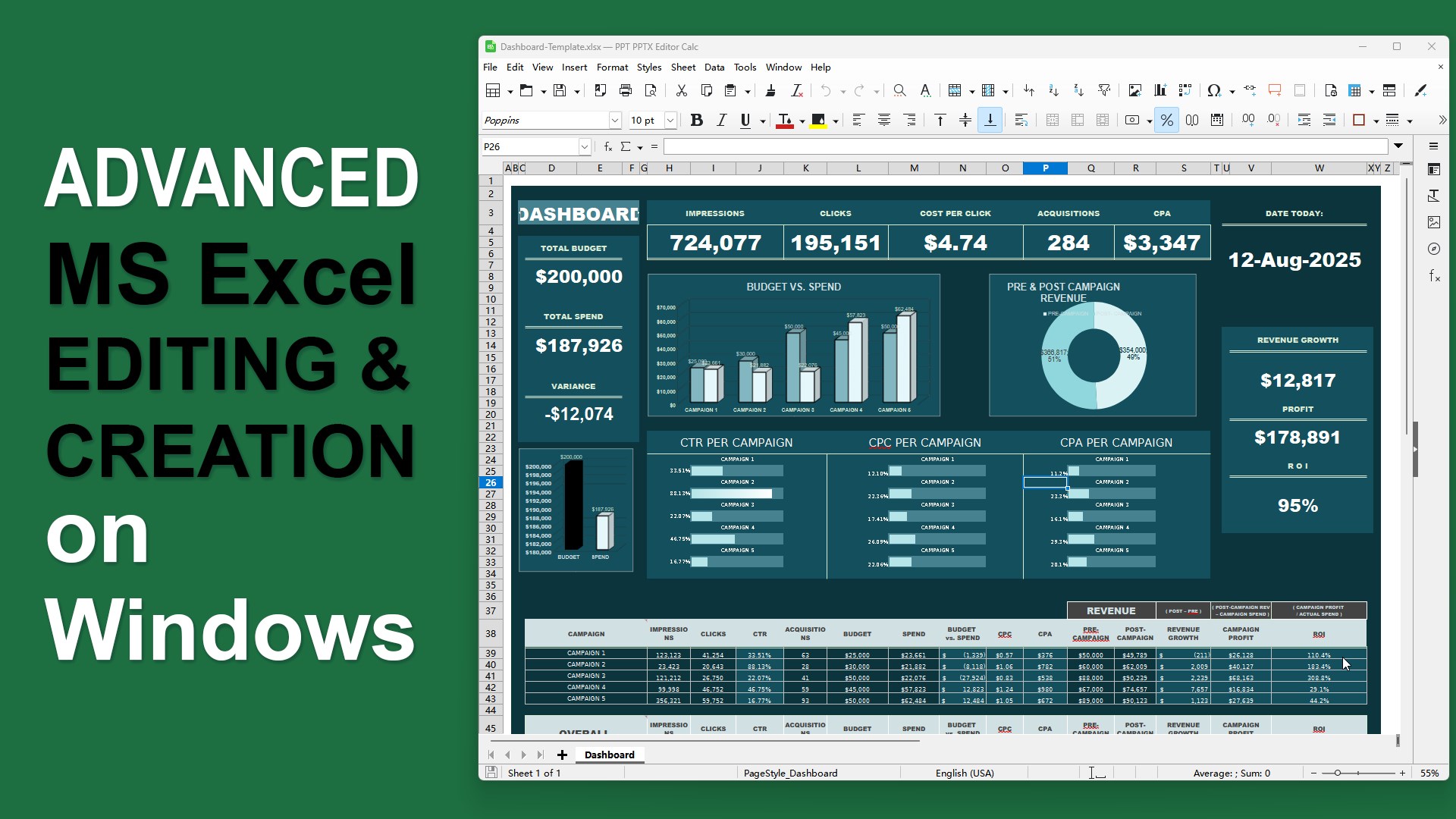
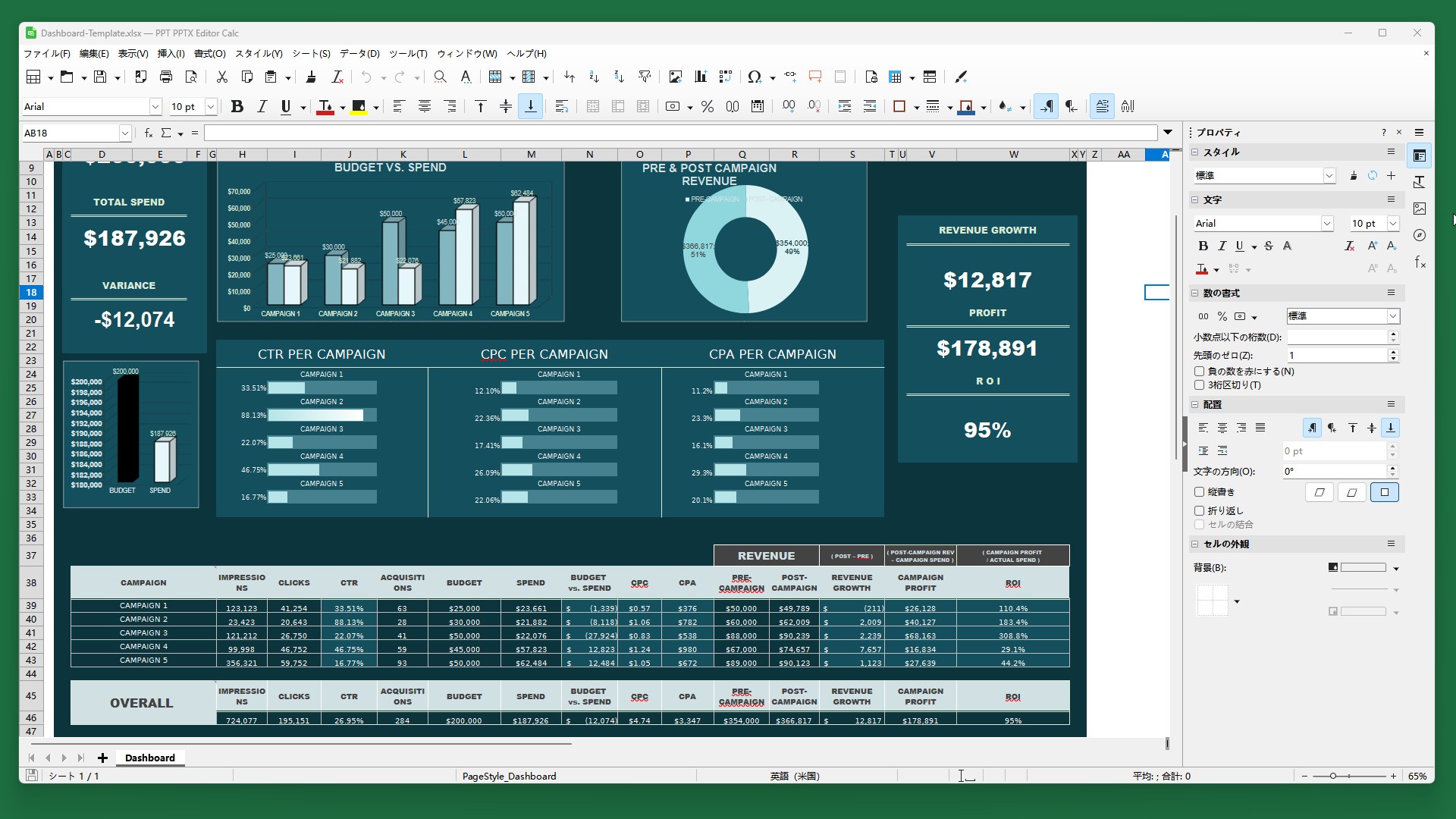
📊 View and Edit Excel Spreadsheets with Ease. XLS XLSX Editor is a fully-featured spreadsheet editor built for creating, viewing, and editing .xls and .xlsx files. Whether you're organizing household finances, managing business data, or analyzing large datasets, this app provides the tools you need to work efficiently. With full support for Excel-compatible formats and functions, it’s a practical solution for both personal and professional users on Windows. 🔑App License XLS XLSX Editor includes a 3-day trial with full access to all features. When the trial ends, you can still open and view spreadsheets and explore the editing tools at no cost, while Save, Save As, Print, and Export to PDF are available with a premium license upgrade. ⚙️App Features - Open and edit Microsoft Excel files in .xlsx and .xls formats with high compatibility - Perform calculations using over 400 built-in spreadsheet functions - Format cells, apply styles, and organize data with sorting and filtering tools - Create charts and graphs to visualize your data effectively - Export spreadsheets to PDF or other formats for easy sharing 📁 File Formats Supported Microsoft Excel-related formats: .xlsx, .xls, .xlsm, .xlsb, .xlw, .xlc, .xlt, .xltx, .xltm, .xlk, .xlm OpenDocument Sheet formats: .ods, .ots, .fods, .stc Other supported formats: .csv, .tsv, .tab, .txt, .123, .dif, .et, .ett, .wb2, .xml, .oxc, .wk1, .wks
Productivity · Windows · Free
Rating: 4.6 out of 5, based on 78 user ratings.