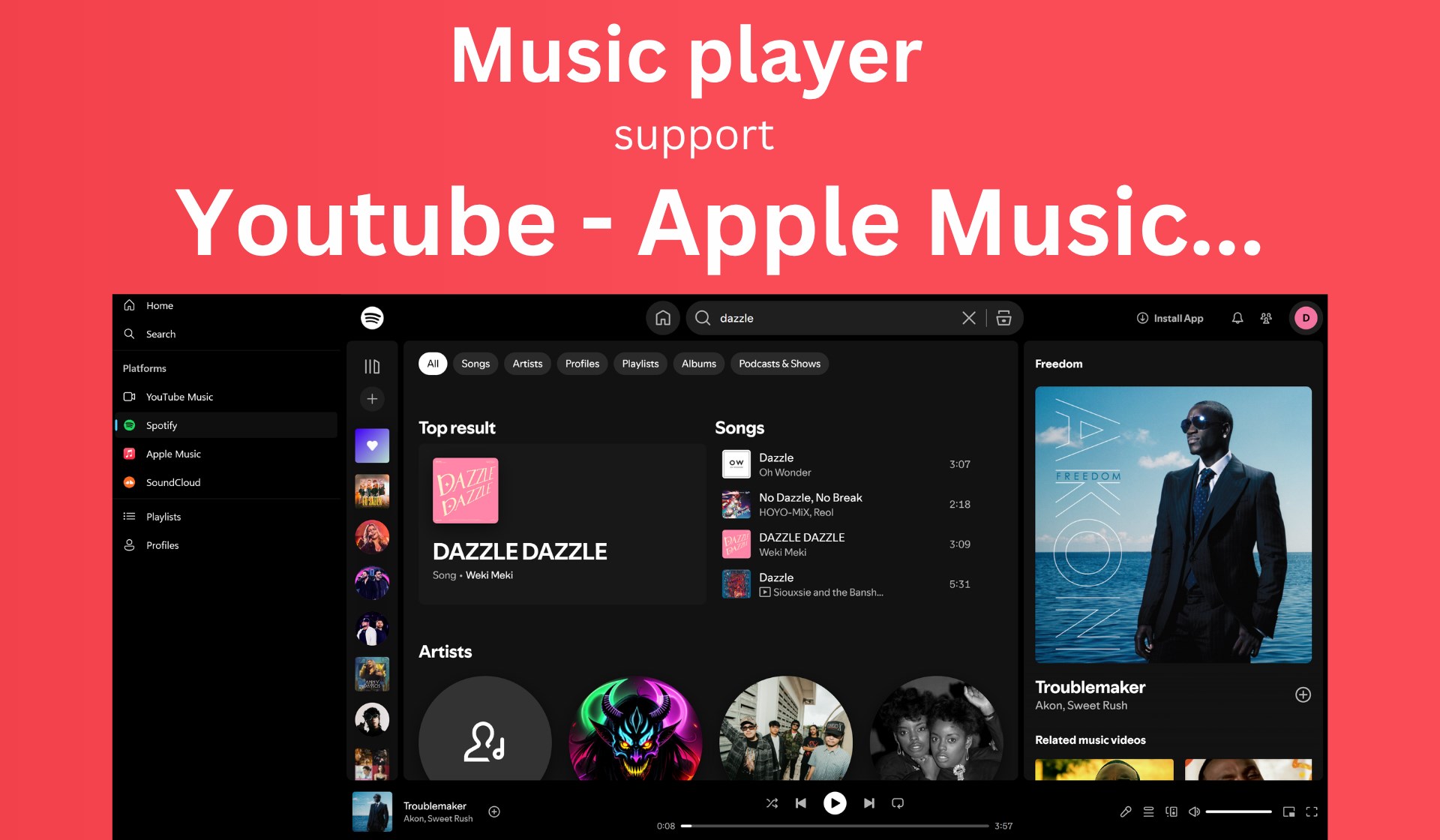
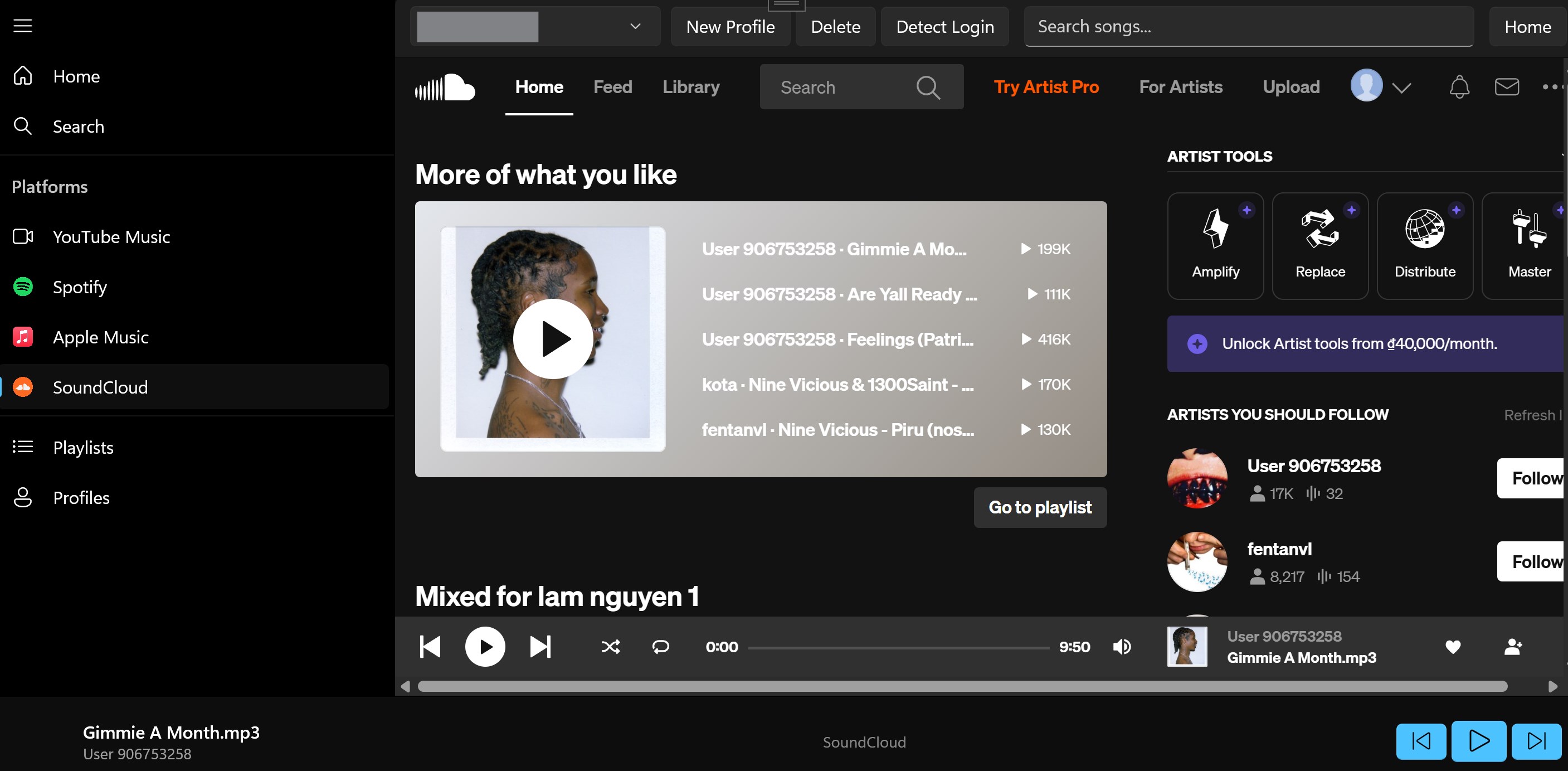
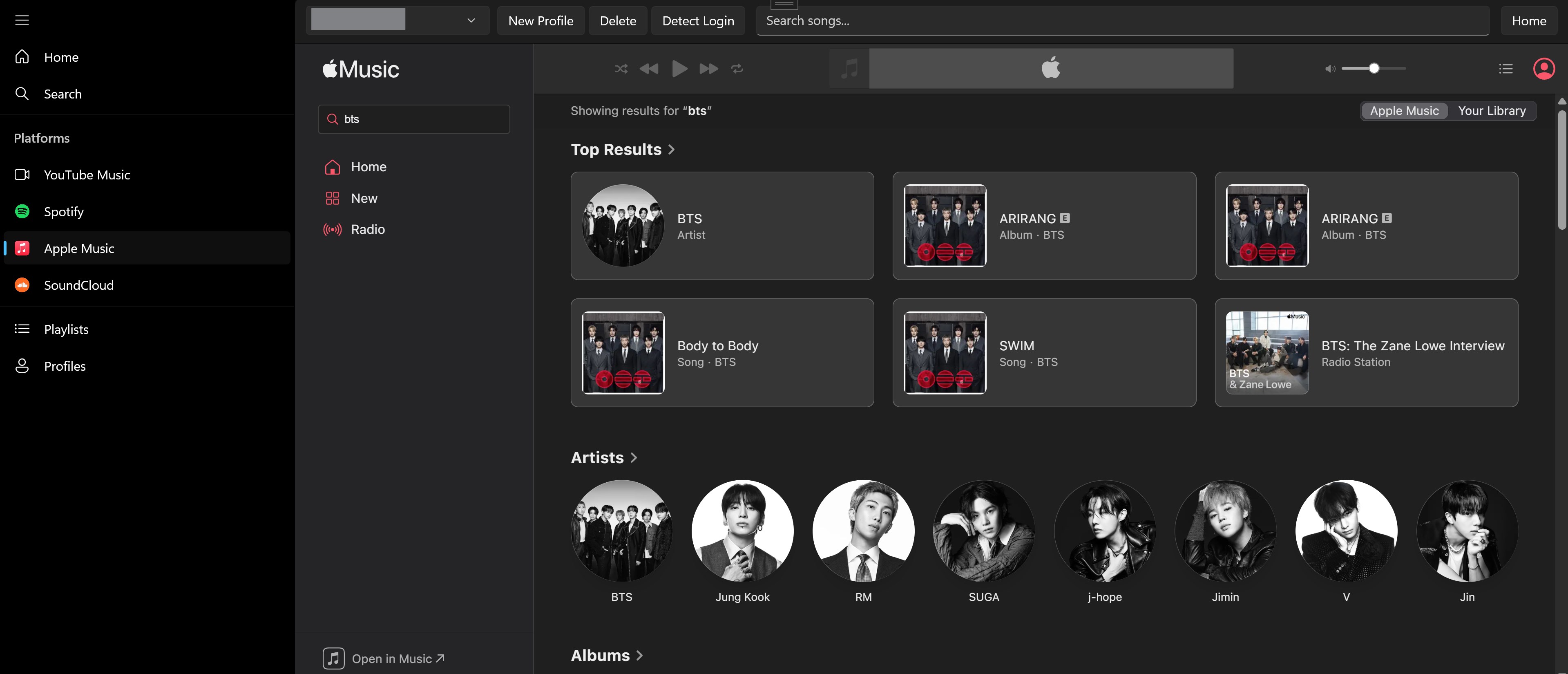
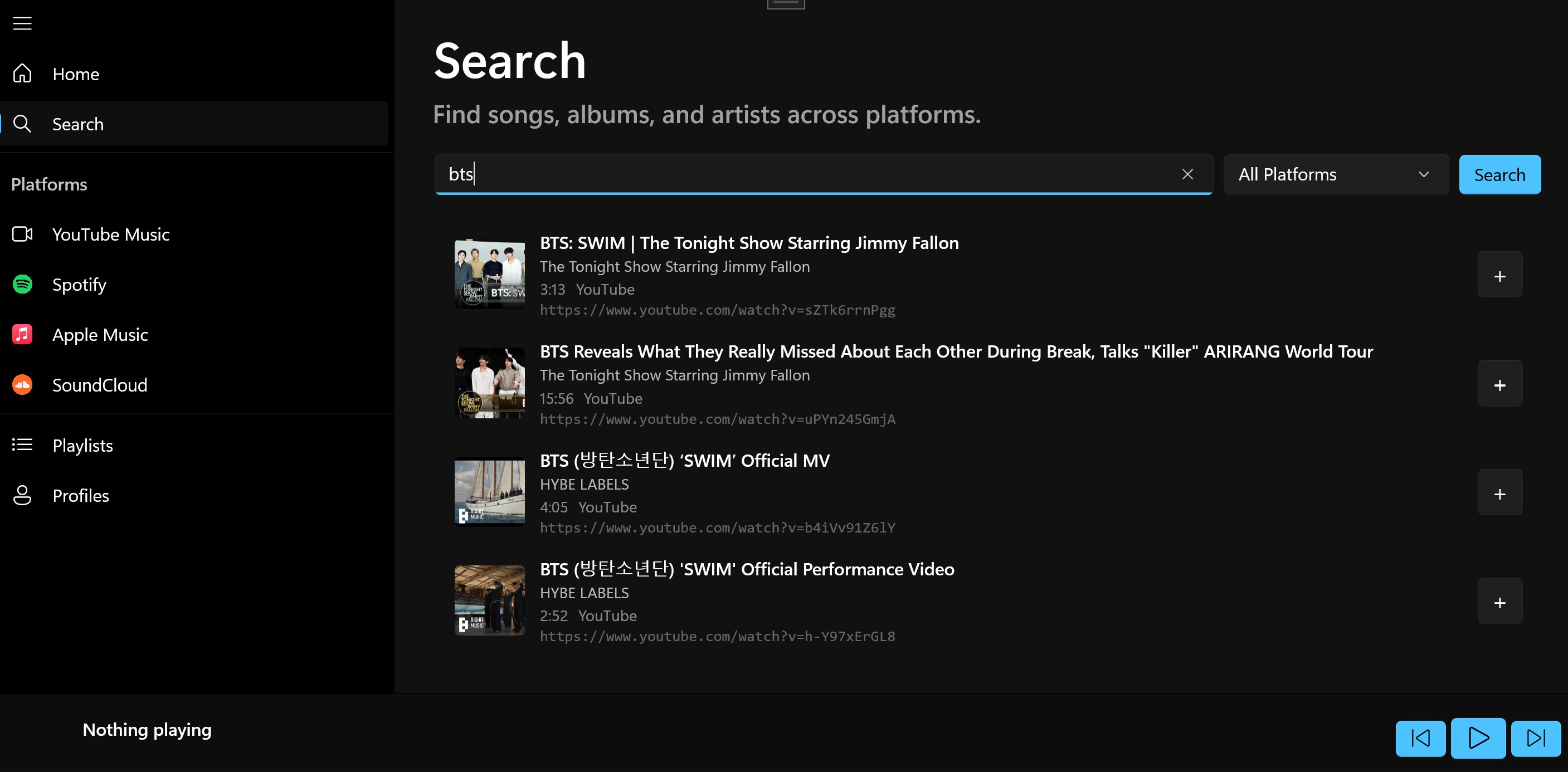
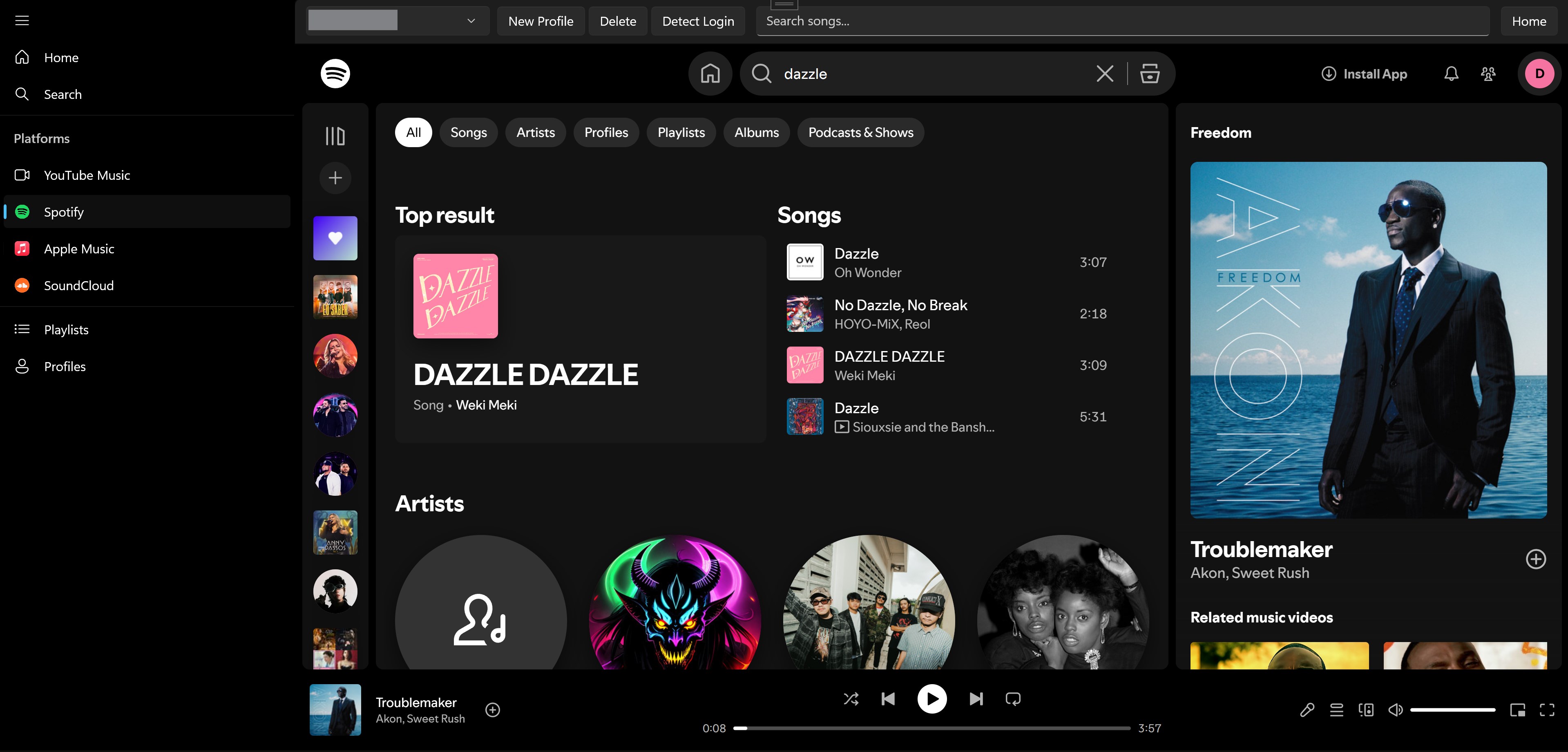
Music App brings your favorite music services together in one modern Windows experience. Instead of juggling multiple apps and browser tabs, you can search, browse, and organize songs from different platforms in a single, clean interface. Use the powerful search to find songs, albums, and artists across supported platforms, then save them into playlists you control. Key features: Cross‑platform search – Search for songs, albums, and artists across YouTube, YouTube Music, Spotify, Apple Music, SoundCloud, and more (where supported). Smart playlists – Create unified playlists that mix tracks from different platforms, or service‑specific lists when you prefer. Playlist management – Add, rename, and organize playlists, and quickly jump into the details of each list. Profiles for each platform – Manage profiles for your different streaming accounts so switching contexts is easy. Built‑in mini player – Control playback from a compact player bar without leaving what you’re doing. Note: MusicApp does not provide its own music catalog or subscription. To play content, you’ll need existing accounts or subscriptions with the streaming services you use (such as YouTube, Spotify, Apple Music, or SoundCloud), and availability of features may vary by region and service. Disclaimer: MusicApp is a third‑party application and is not affiliated with, endorsed by, or in any way officially connected to Google LLC/YouTube, Spotify AB, Apple Inc., SoundCloud Ltd., or any other service provider.
Music · Windows · Free
Rating: 4.5 out of 5, based on 969 user ratings.