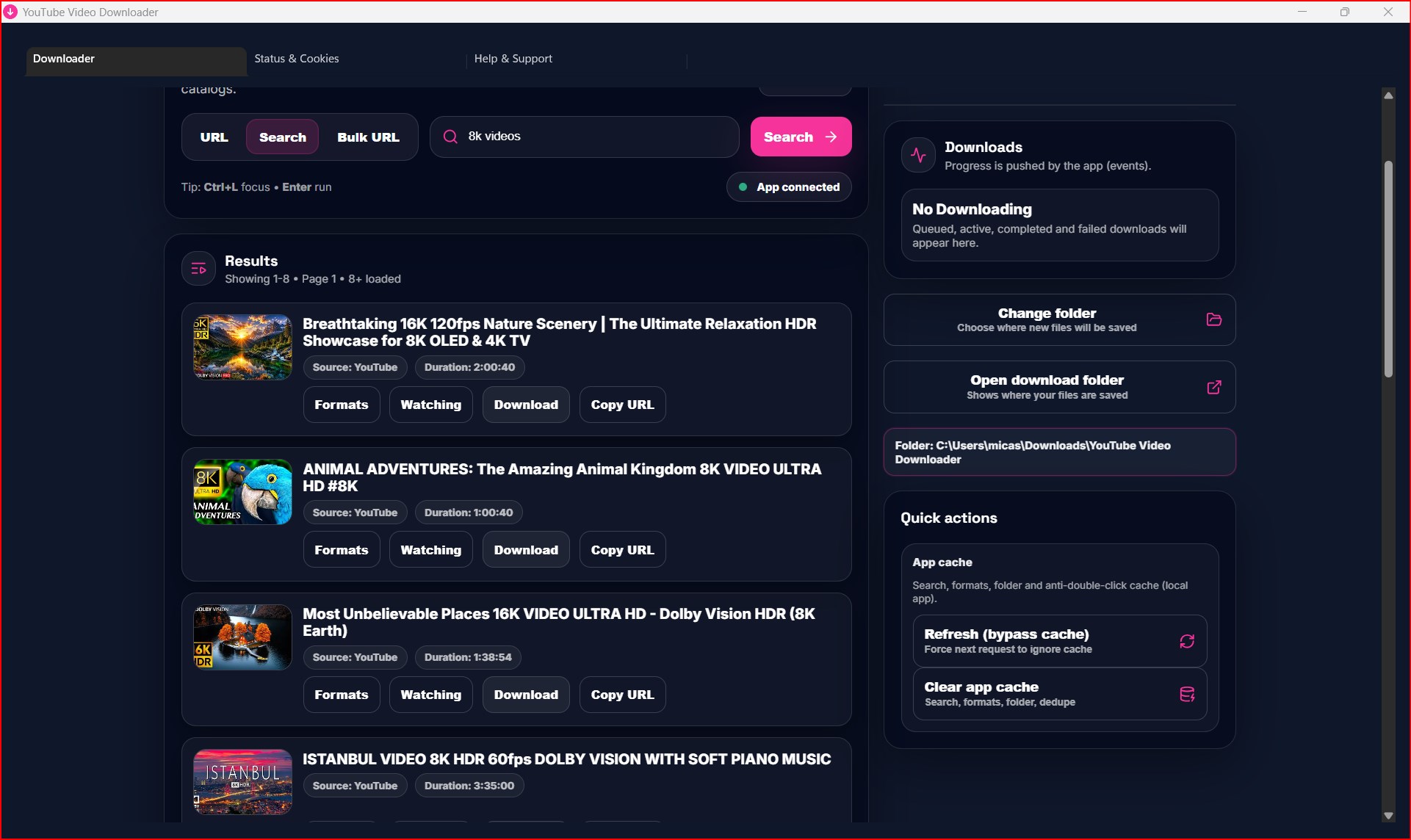
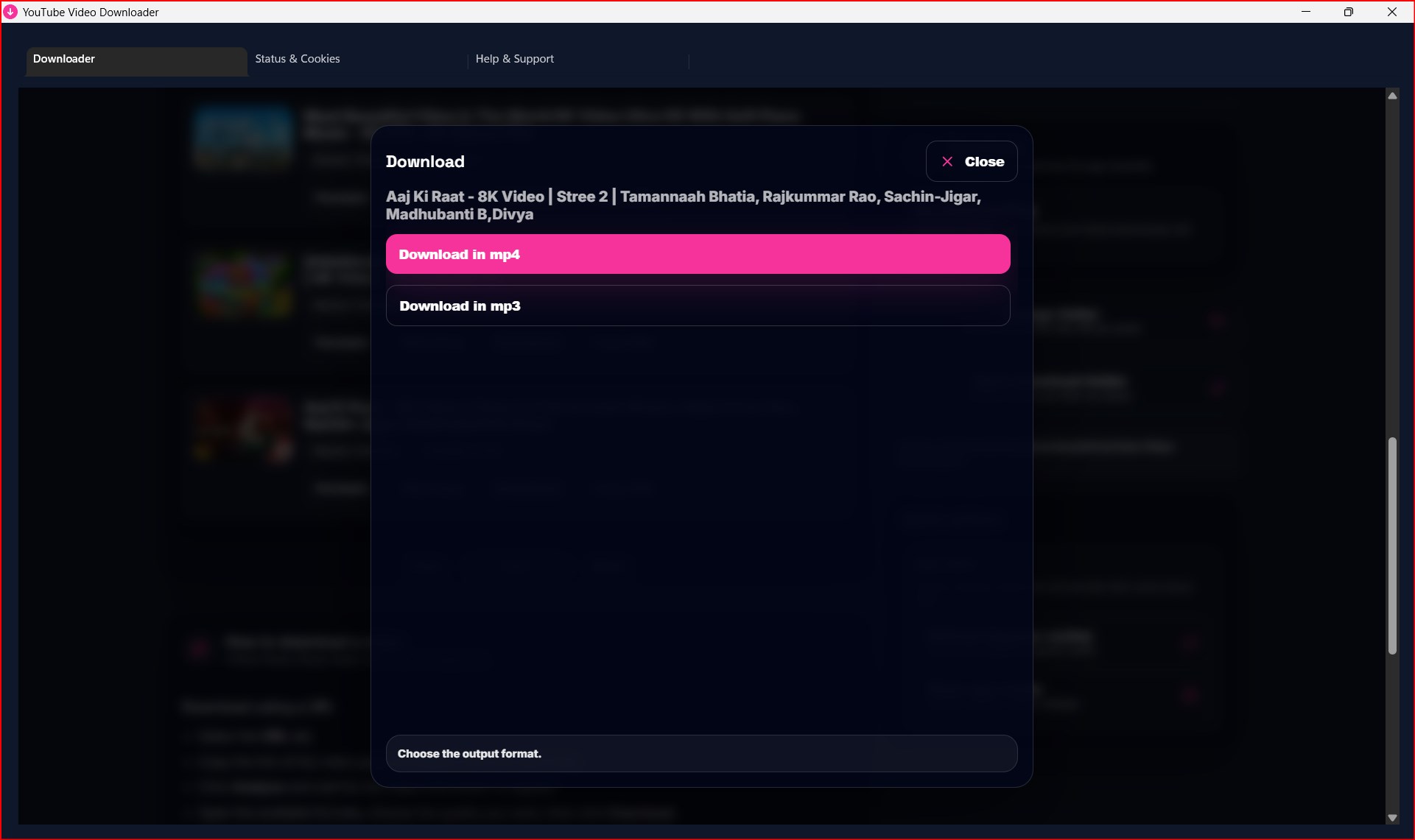
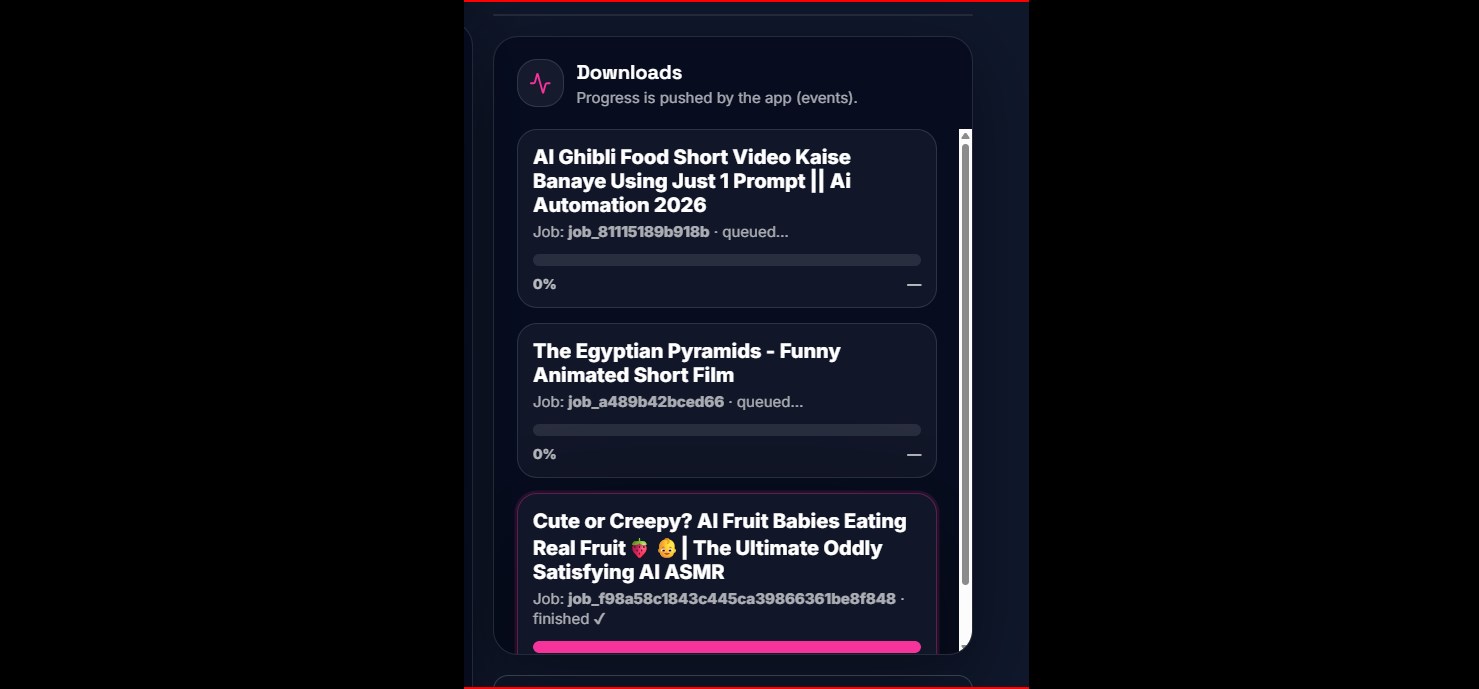
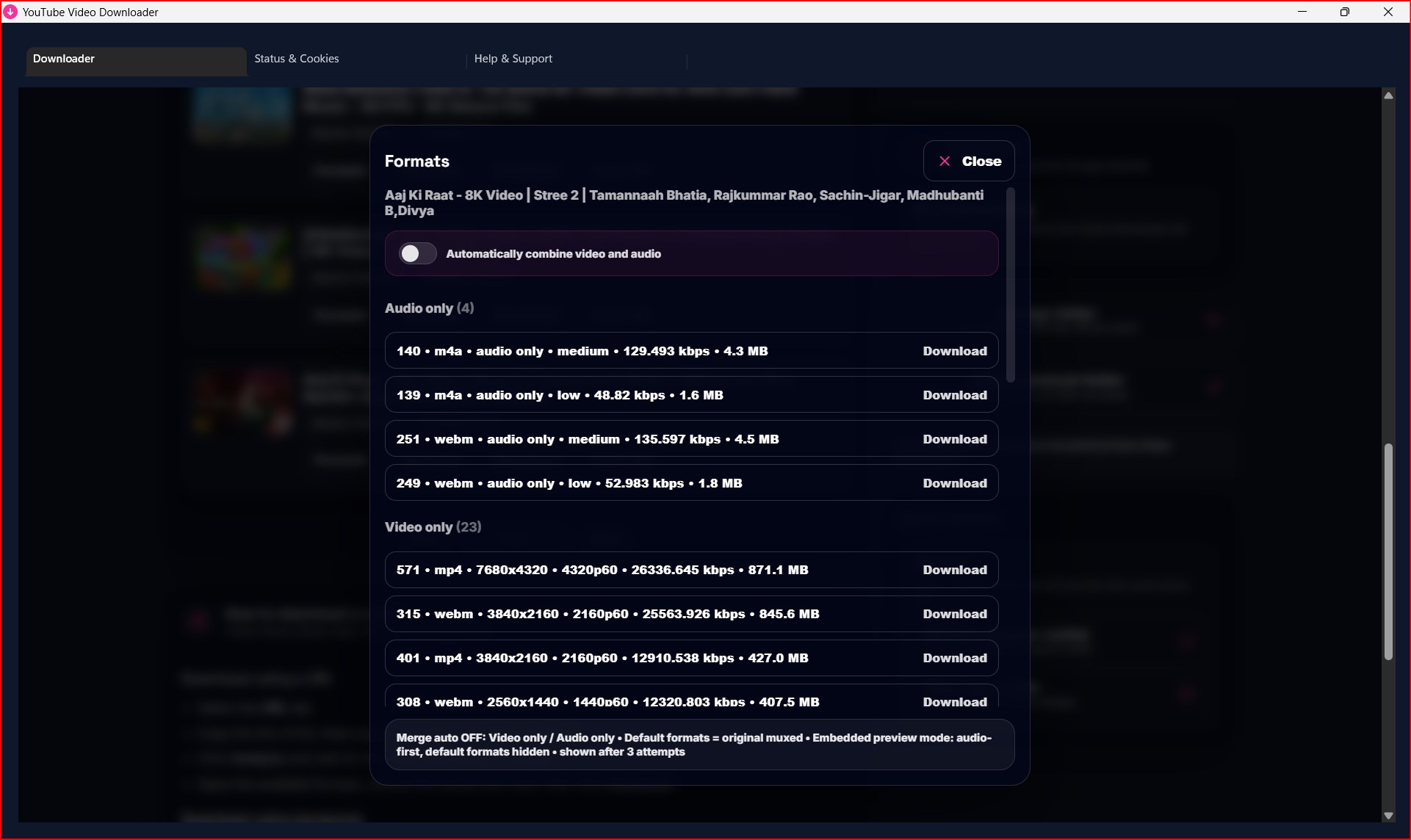
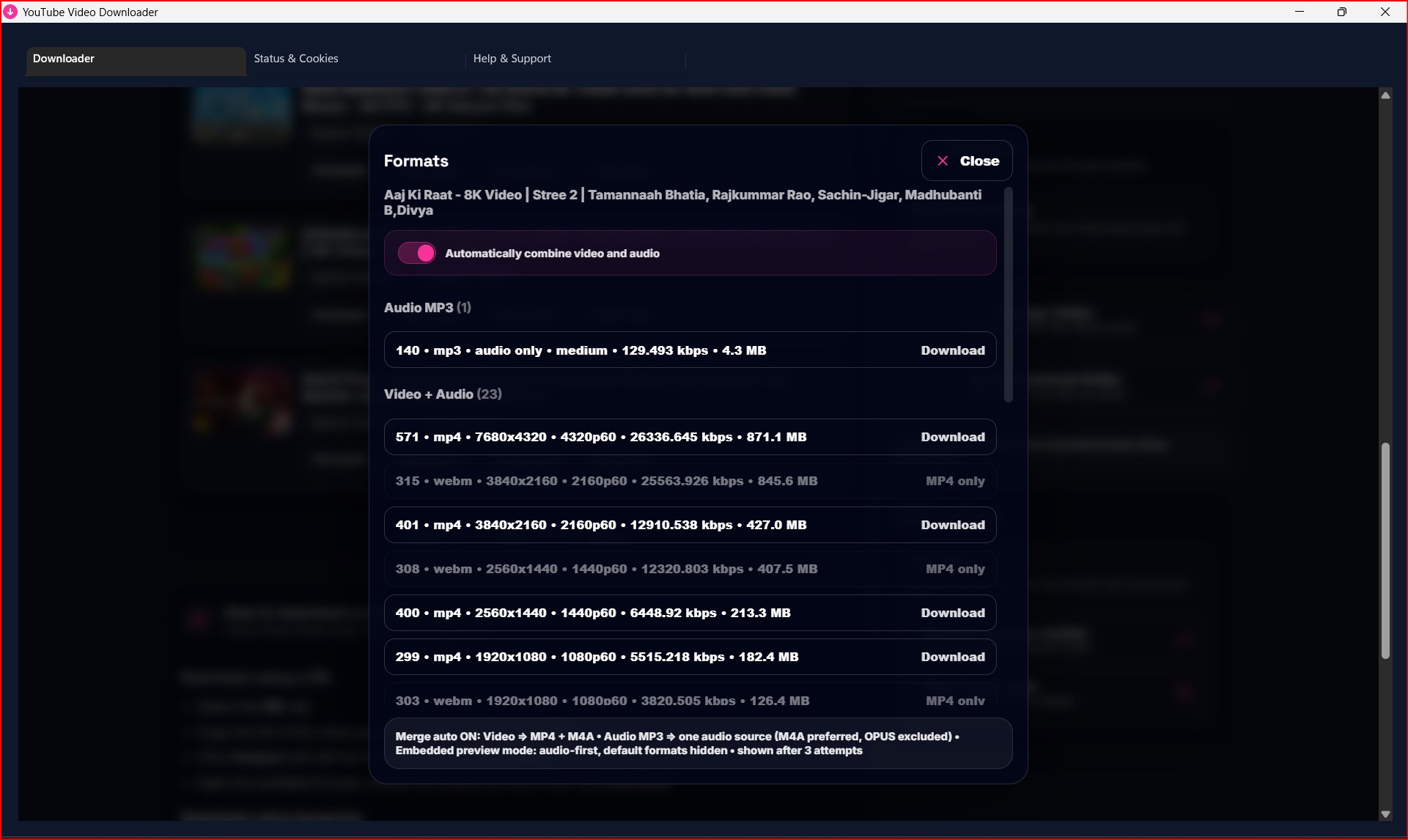
Download public YouTube videos and audio in 16K, 8K, 4K, and 1080p through a simple, fast desktop interface. Choose your preferred format and quality, manage multiple URLs, and save files directly to your computer. Need help? Fast, reliable customer support is available 24/7 for life. Download using a URL or Bulk URLs Select the URL tab. Copy the link to the video page and paste it into the input field. Select Analyze and wait for the video information to appear. Open Formats, choose the quality you want, and select Download. Bulk URL mode supports up to 10 links at a time. Download using keywords Select the Search tab. Enter a video title, topic, artist, or other keywords. Select Search, then choose the correct video from the results. Choose a video or audio format and select Download. Understand the format options In the Formats window, keep Automatically combine video and audio enabled for the simplest result. The app combines the selected video quality with the best available audio and saves one MP4 file. To save audio only, choose an Audio MP3 option. Disable automatic combining only when you specifically need the original video-only or audio-only stream supplied by the source. Quick quality guide Select Download MP4 to use the best available quality automatically. If you choose a quality in Formats, the app downloads that selected quality. Video tutorial Watch “How to download Video” directly on the home page with the built-in player. Important The app may automatically open Chrome or Edge during analysis or downloading. Never close a browser window opened by the app while an operation is running. Wait until the analysis or download is complete.
Photo & Video · Windows · $23.99
Rating: 4.6 out of 5, based on 122 user ratings.