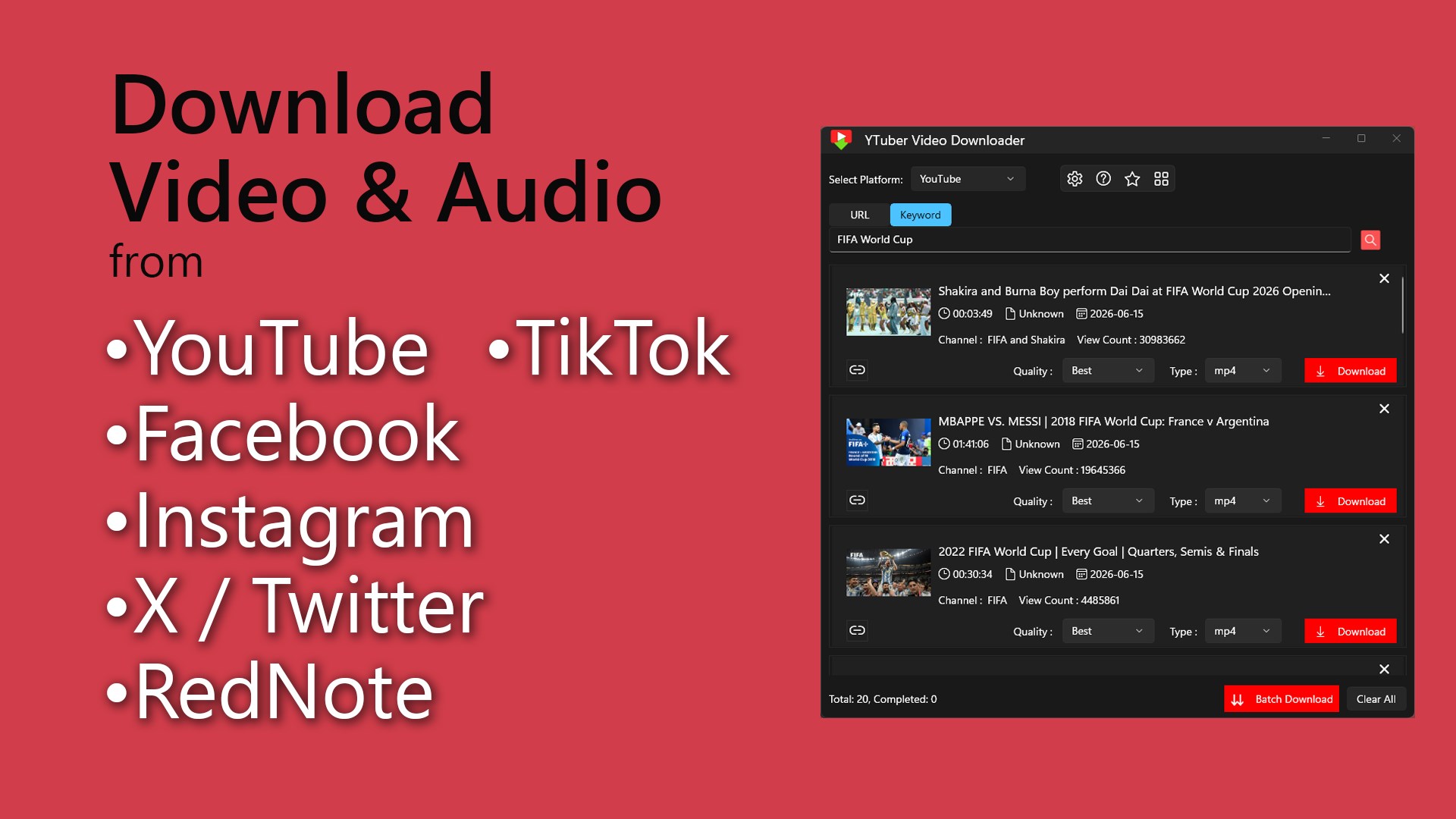
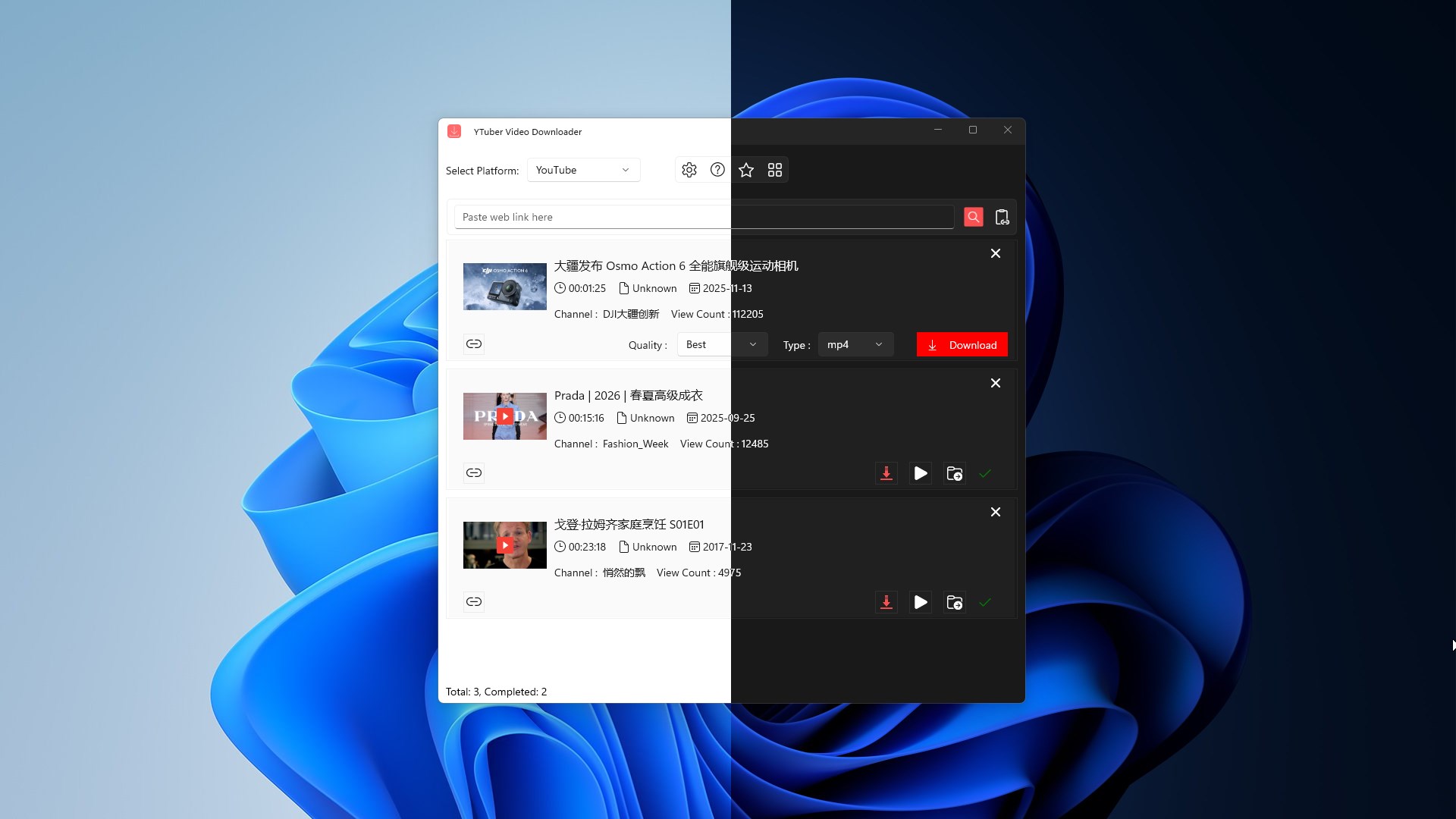
📥 Download videos for offline viewing on your Windows PC. YTuber Video Downloader helps you save videos from YouTube, TikTok, Twitter/X, Facebook, Instagram, and RedNote (小红书) in an easy and convenient workflow: search YouTube videos right inside the app or paste a video link, pick your preferred quality and format, and start your video download to your chosen folder. A built-in download list lets you manage multiple items and quickly open completed files. App License: The app is free to use with full access to all features, including audio and video downloads. Users can upgrade to the premium version to download audio and video in their original highest resolutions. Key Features: ⦁ Download videos from YouTube, TikTok, Twitter/X, Facebook, Instagram, and RedNote by searching keywords or pasting a video link. ⦁ Search YouTube videos directly inside the app to download video files without copying and pasting links. ⦁ Choose download Quality (including a Best option when available). ⦁ Select an output Type such as MP4 (video) or MP3 (audio-only). ⦁ Manage multiple downloads in a clear list with per-item controls. ⦁ Quick actions for completed items, such as Play and Open folder. ⦁ Choose your save location with an editable Output Folder Path. ⦁ Optional setting to open the folder after download. ⦁ Theme options: Light, Dark, or Use system setting (matches your current Windows theme). Supported Platforms: ⦁ YouTube ⦁ TikTok ⦁ Twitter/X ⦁ Facebook ⦁ Instagram ⦁ RedNote (小红书) Content Rights Notice: Download only content you have the rights to save and use, and follow the terms and policies of the hosting platform.
Photo & Video · Windows · Free
Rating: 4.7 out of 5, based on 109 user ratings.