Screenshots
About PDF Converter: PDF File Converter
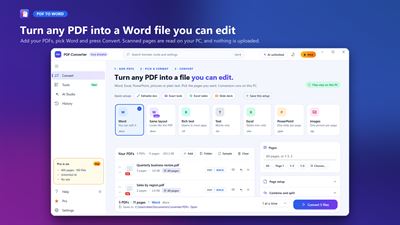
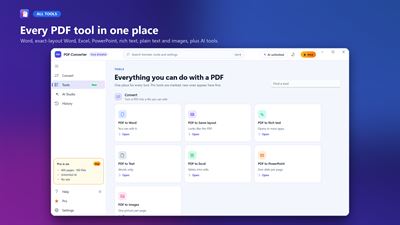
PDF Converter turns PDFs into files you can edit: Word documents, Excel spreadsheets, PowerPoint slides, rich text, plain text or page images. Add one PDF or a whole folder, pick a format and press Convert. The conversion runs on your PC, so your documents are not uploaded.
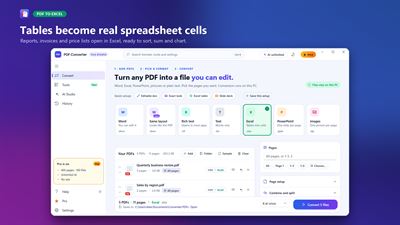
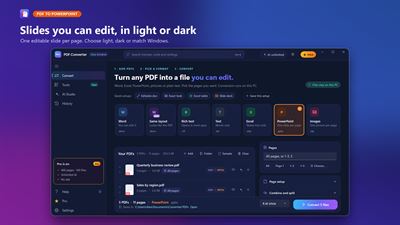
CONVERT PDF TO • Word (.docx) you can edit, or "Same layout" Word that looks exactly like the PDF • Excel (.xlsx): tables become real cells, ready to sort, sum and chart • PowerPoint (.pptx): one editable slide per page • Rich text (.rtf), plain text (.txt) and page images (PNG in a .zip)
BUILT FOR REAL DOCUMENTS • Scanned pages are read with Windows OCR on your PC • Pick the pages you want: all, page 1, or a range such as 1-3, 5 • Page size, orientation and margins for the new file • Quick setups such as "Excel table" or "Slide deck", and save your own
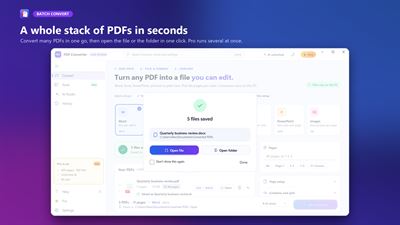
BATCH AND SPEED • Convert many PDFs in one go, with a clear result for every file • Open the new file or its folder in one click when the batch is done • Pro converts several files at the same time, up to 100 PDFs and 400 pages each
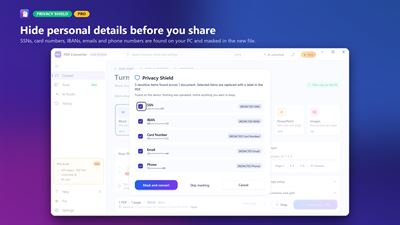
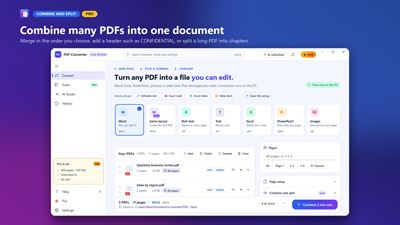
COMBINE, SPLIT AND PROTECT (PRO) • Combine several PDFs into one Word file, spreadsheet or presentation • Split a long PDF into a zip of chapters • Add a header such as CONFIDENTIAL on every page • Open password-protected PDFs (the password stays on your PC) • Privacy Shield finds SSNs, card numbers, IBANs, emails and phone numbers on your PC and masks them in the new file
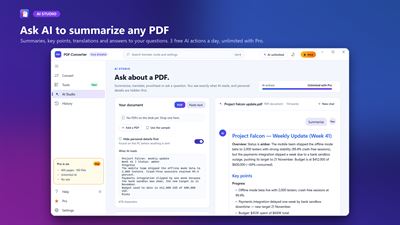
AI STUDIO • Summarize, list key points, translate, proofread, explain simply or ask a question about a PDF • Personal details are hidden before any text is sent, and you see exactly what the AI reads • Smart file names and a one-page AI summary on converted files (Pro) • Free: 3 AI actions a day. Pro: unlimited
EASY TO USE • History of everything you converted, with search and one-click re-convert • A guided tour, step-by-step guides and keyboard shortcuts (Ctrl+O to add PDFs, Ctrl+K to search, F1 for help) • Light and dark themes, or match Windows. Pro adds 11 designer themes and your own colours
FREE AND PRO The free plan converts the first 12 pages of each PDF, 5 PDFs per run, files up to 20 MB, and shows ads. PDF Converter Pro removes the ads and the limits: up to 400 pages per PDF, 100 PDFs per run, files up to 64 MB, parallel conversion, combine and split, locked PDFs, Privacy Shield, unlimited AI and designer themes. Choose a monthly subscription (cancel any time in Microsoft Store) or pay once for lifetime access.
PRIVACY Conversion, OCR and Privacy Shield run on your device. AI features send only the text of the document you choose, over an encrypted connection, after you agree; personal details can be hidden first.
AVALW Coverage
Not yet mentioned in AVALW articles.
Similar apps


 MyJio: For Everything JioJio Platforms LimitedTrue 5G, recharges, payments & UPI, music & movies, backup, games, news & more.★ 4.4 27428k


 Microsoft WordMicrosoft CorporationThis application requires a qualifying Microsoft 365 subscription. Microsoft 365 includes premium Word, Excel, and PowerPoint apps, 1 TB cloud storage in OneDri★ 4.8 17535k



 Samsung NotesSamsung Electronics Co, Ltd.(Samsung Notes is optimized for Samsung Galaxy Books. Other computers may have issues running it.) "Samsung Notes allows you to use the enhanced S Pen to write ★ 4.8 15228k



 ChatGPT ClassicOpenAIThe official ChatGPT desktop app brings you the newest model improvements from OpenAI. Do more on your PC with ChatGPT: · Instant answers—Use the [Alt + Space] ★ 4.8 11034k


 ChatGPTOpenAI OpCo, LLCIntroducing ChatGPT for iOS: OpenAI’s latest advancements at your fingertips. This official app is free, syncs your history across devices, and brings you the l★ 4.8 11034k


 Microsoft OutlookMicrosoft CorporationOutlook helps you stay connected and organized at the office and at home with easy access to emails, files, calendar events, and contacts across all your accoun★ 4.3 10673k


 Turbo VPN: Unlimited VPN ProxyINNOVATIVE CONNECTING PTE.LIMITEDDo you want online security and privacy while browsing? Turbo VPN now provides the fastest, reliable and encrypted network. With Turbo VPN, you can get the safe★ 4.7 10243k



 Microsoft ExcelMicrosoft CorporationThis application requires a qualifying Microsoft 365 subscription. Microsoft 365 includes premium Word, Excel, and PowerPoint apps, 1 TB cloud storage in OneDri★ 4.8 9702k
More by this developer
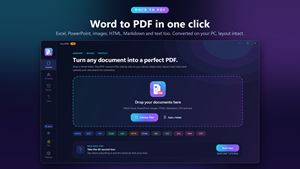
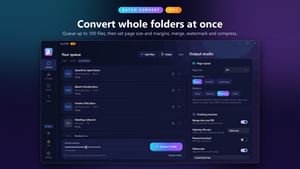

 Pro DOCX To PDF ConverterfinetuneappsDoc2PDF is an elegantly designed document conversion application that supports a wide range of formats, including but not limited to Word, PDF, Excel, and image★ 4.6 370

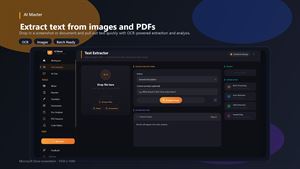

 AI Master - Chatbot AssistantfinetuneappsMeet AI Master — the intelligent Windows desktop toolkit built for people who work with documents, text, images, and code every day. Whether you're extracting t★ 4.7 13
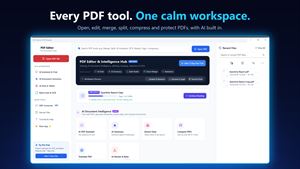
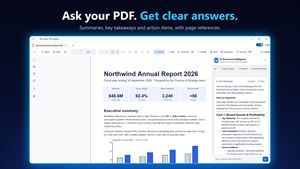
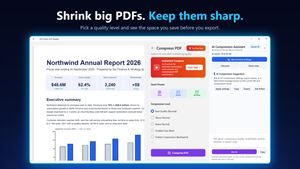
 PDF Editor: PDF ReaderfinetuneappsPDF Editor: PDF Reader is a fast, native Windows app for everything you do with PDFs: read, annotate, fill and sign forms, merge and split pages, protect files,★ 4.1 359
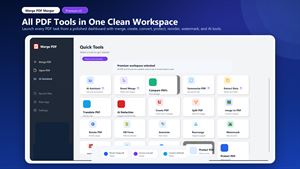
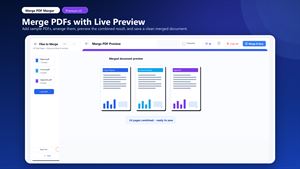
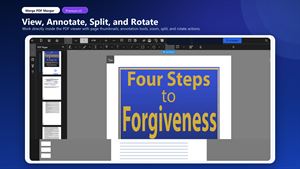
 Merge PDF: Combine PDF filesfinetuneappsMerge PDF Merger is an all-in-one PDF productivity app for Windows 10/11. It is built for fast, practical document work: combining files, editing pages, creatin★ 4.6 1.2k